Mac
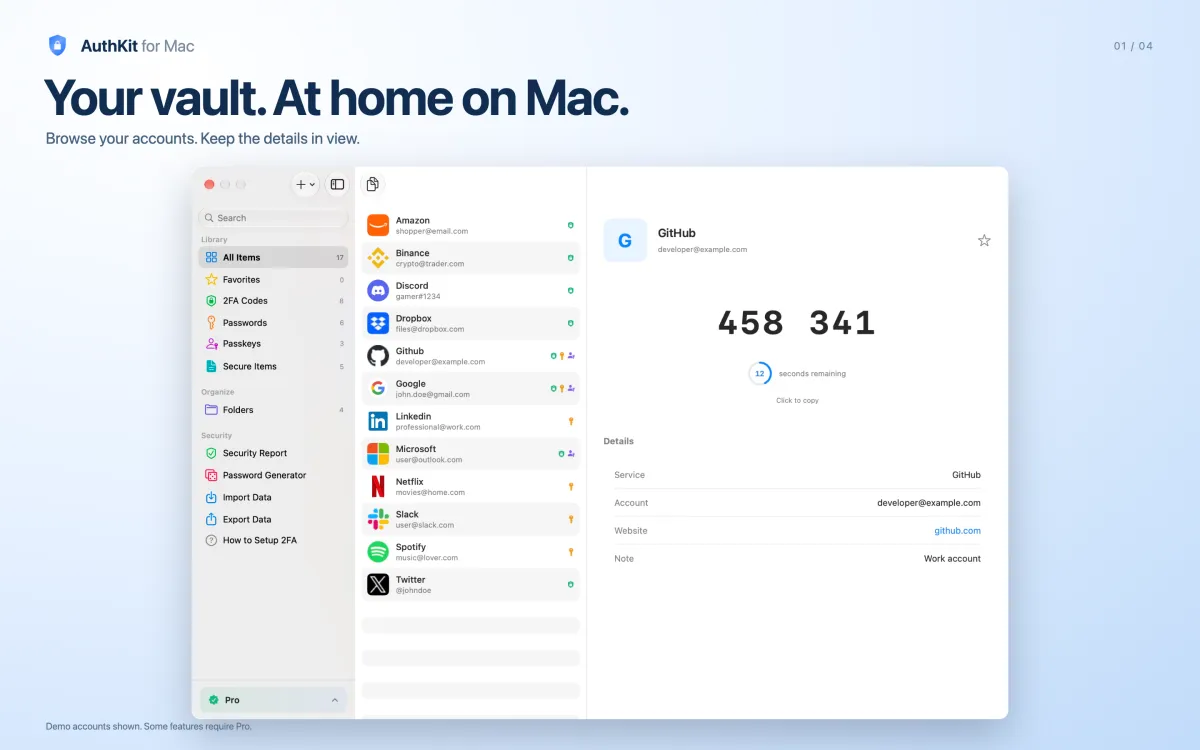
A full window, and codes in the menu bar
Browse every account with its details in view, check the security report, and copy a 2FA code from the menu bar without opening the app.
macOS 14.0 or later
Auth Kit is an authenticator and password vault for iPhone, iPad and Mac, with 2FA codes on Apple Watch, that is free to download. It generates 2FA codes and keeps your passwords, passkeys, cards and other secure items in Apple Keychain, with no account to create.
2FA Codes
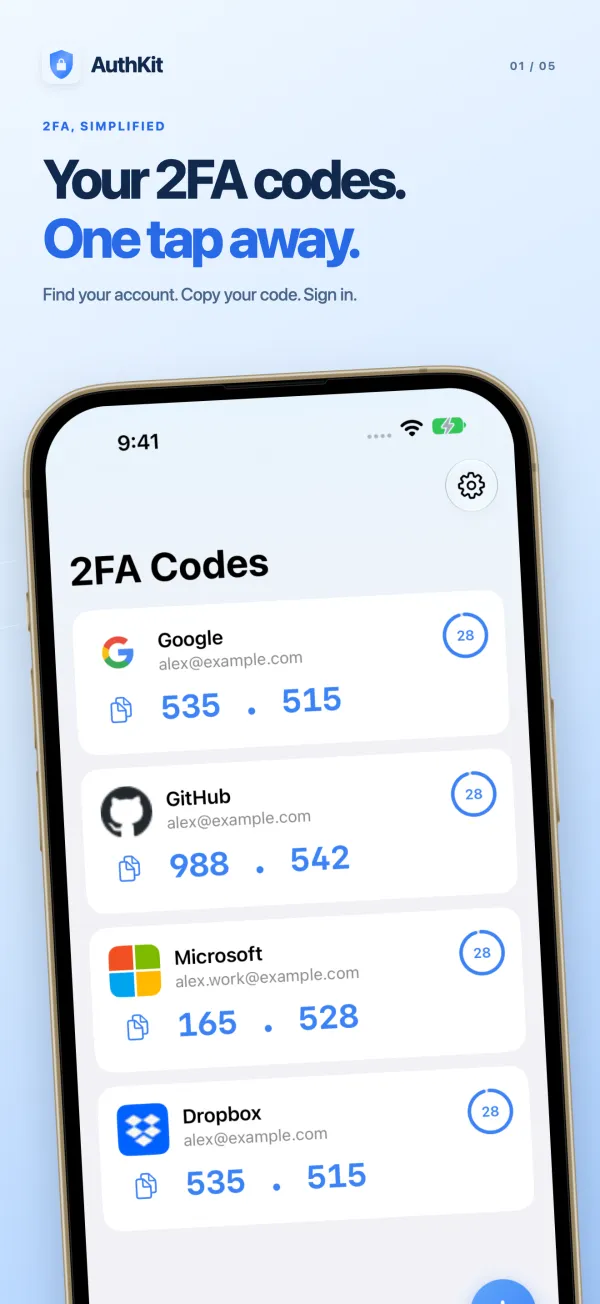
The 2FA Codes tab, from the App Store listing.These codes are live. They are worked out on this page from demo secrets, the same way Auth Kit does it. Tap one to copy it.
Auth Kit makes time-based one-time passwords (TOTP), the open standard in RFC 6238. Any service that offers an authenticator app for two-factor sign-in works with it: Google, Microsoft, GitHub and thousands more. Here is what happens behind the code in the phone above.
When you turn on two-factor sign-in, the service shows a QR code. Scanning it hands Auth Kit a secret key. Auth Kit keeps that key in Apple Keychain and never shows it again.
Your device and the service both count 30-second steps since 1 January 1970. When a step ends, the code changes, which is what the ring around each code counts down.
Both sides run the secret and the step through a keyed hash (HMAC-SHA1 by default) and keep the code's digits (six by default). Same inputs, same code, so the service can check it. Making a code needs no network at all.
The demo secrets on this page are public examples, so the codes protect nothing. Want to see how Auth Kit compares with other authenticators? Read the comparison of authenticator apps.
Auth Kit is native on each Apple device rather than one layout stretched to fit. With iCloud Keychain turned on, the credentials you save on one device can be on the others.
Browse every account with its details in view, check the security report, and copy a 2FA code from the menu bar without opening the app.
macOS 14.0 or later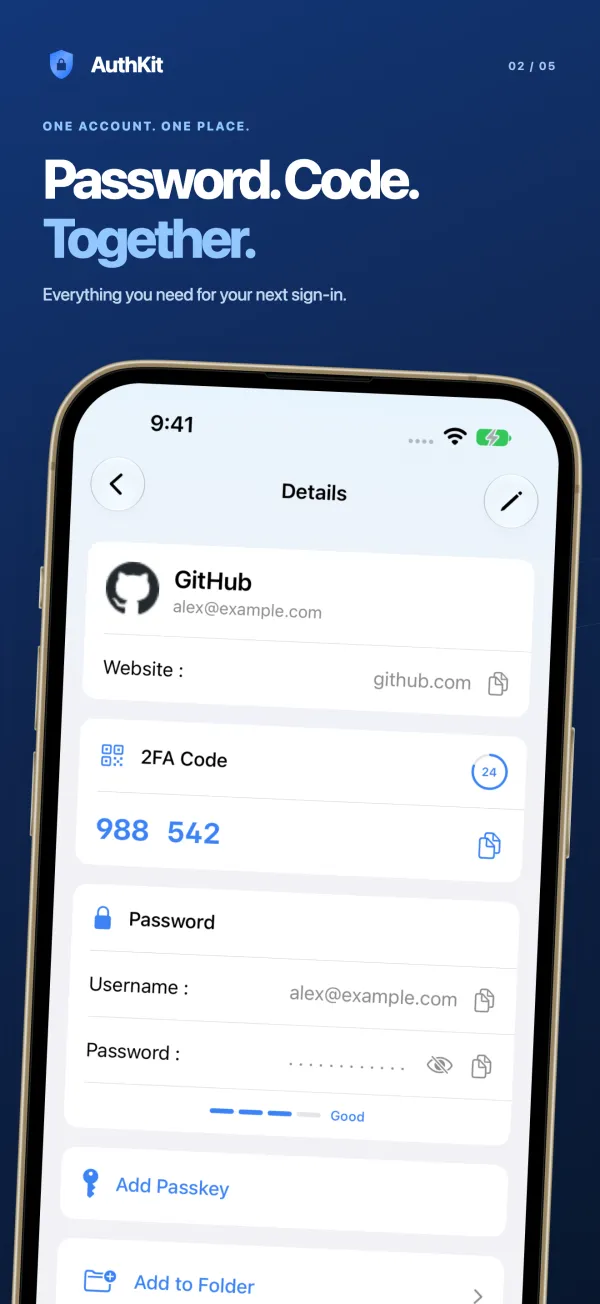
Each account keeps its login, 2FA code and passkey in one place. Home screen widgets show live 2FA codes.
iOS 17.6 or later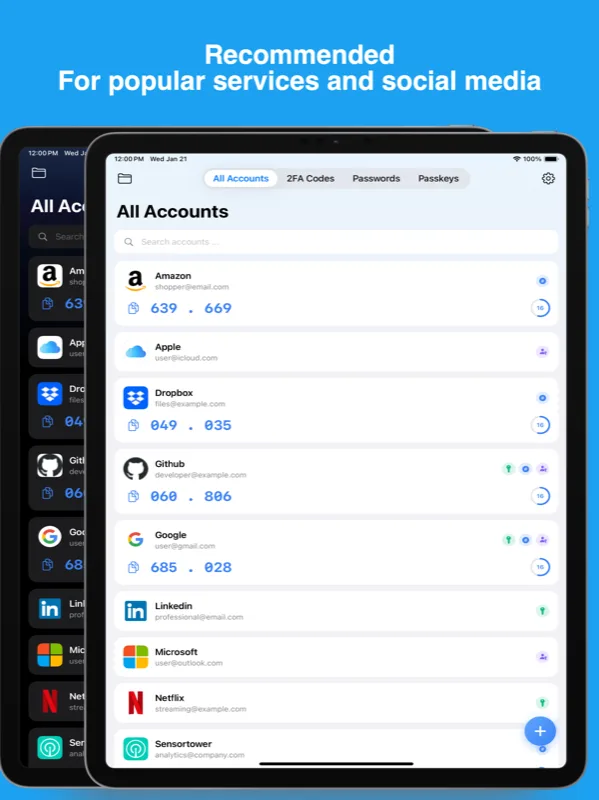
All Accounts, 2FA Codes, Passwords and Passkeys on the big screen, with search across everything.
iPadOS 17.6 or later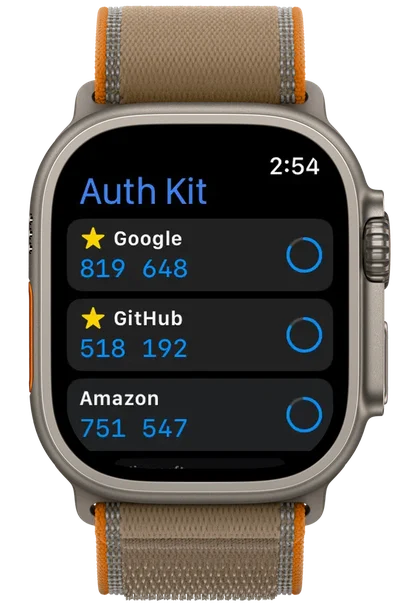
Your 2FA codes with their countdown rings, favorites first. Read the code off your watch while you type it.
watchOS 10.0 or later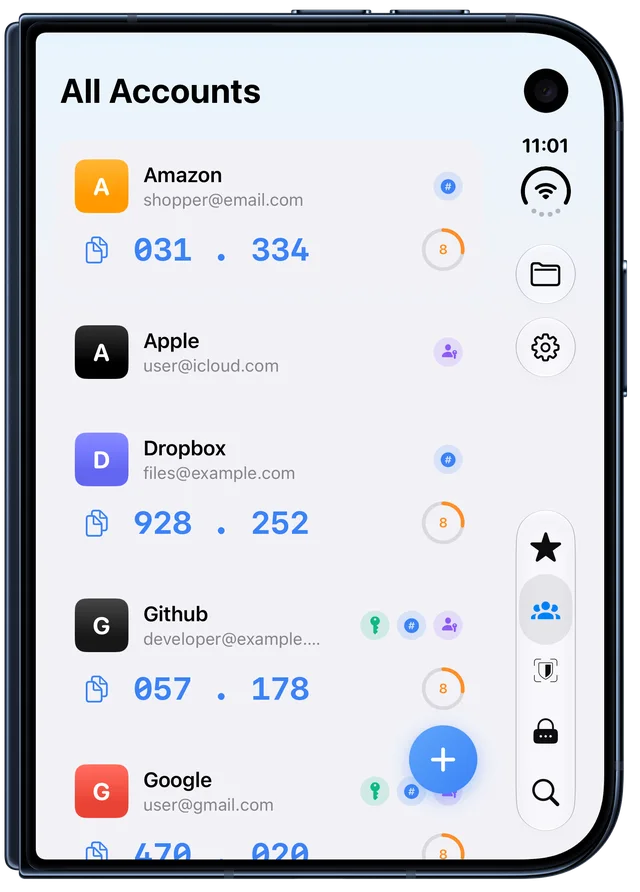
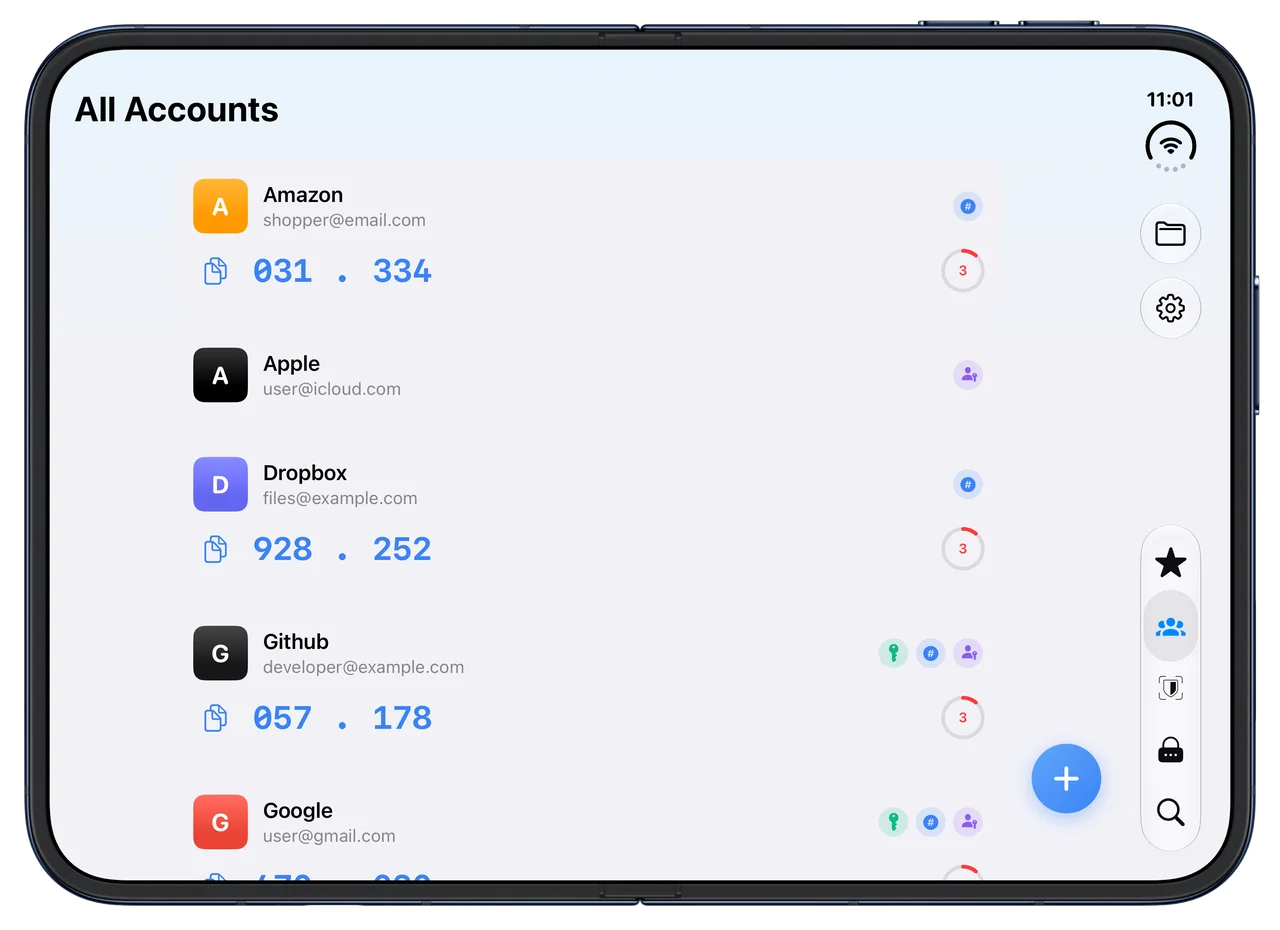
Auth Kit has a layout for both displays of iPhone Duo: the outer display when it is closed, and the larger inner display when you open it.
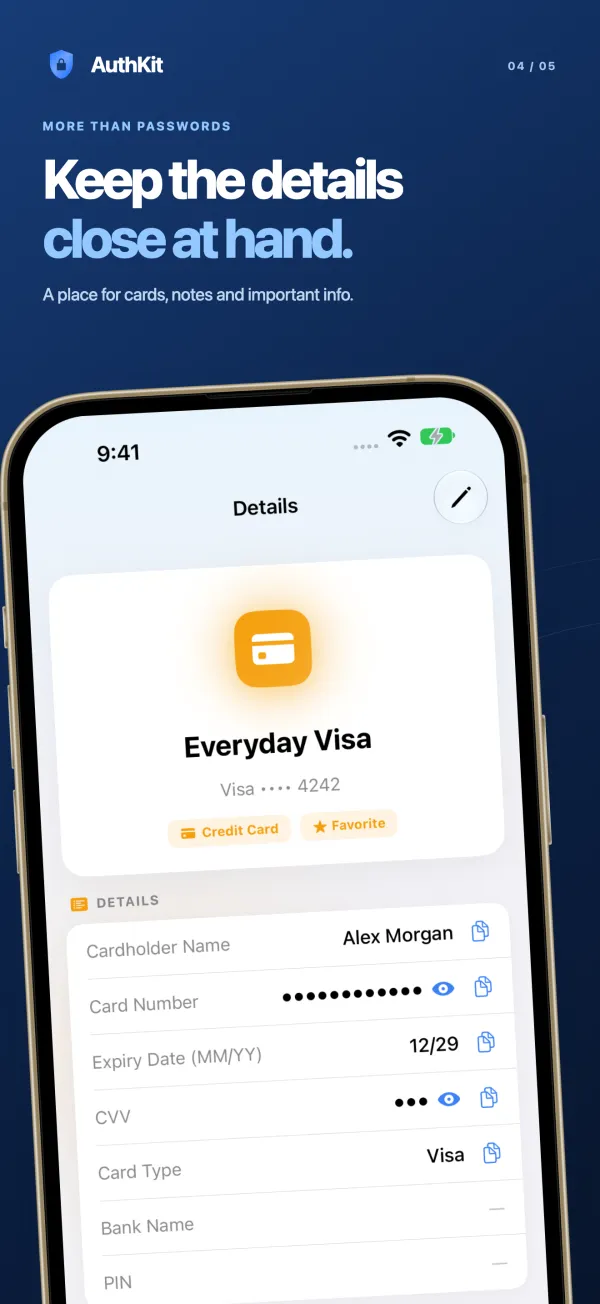
Keep the things you would otherwise put in a notes app next to your passwords and 2FA codes, behind Face ID or Touch ID.
There is nothing to sign up for. Your credentials live in Apple Keychain on your device, and AS Apps Studio never holds a copy. This is what goes where, as the privacy policy describes it.
Passwords, 2FA secrets, passkeys and secure items are stored in Apple Keychain and unlocked with Face ID or Touch ID.
Through iCloud Keychain, only if you turn it on. Apple handles that sync; credentials are not uploaded to an AS Apps Studio server.
Sync through your iCloud account and are encrypted on your device before upload. On iPhone and iPad they are also written with Apple's complete file protection.
No AuthKit account and no ads. Open the app and start adding codes.
Firebase for product analytics and crash diagnostics, with events designed to exclude passwords, 2FA secrets, QR payloads, saved account names and document contents.
Apple takes the payment; RevenueCat keeps track of your subscription status.
JSON or CSV with your passwords and 2FA codes. Passkeys, other item types and attachments are not included, so keep independent recovery methods for your accounts.
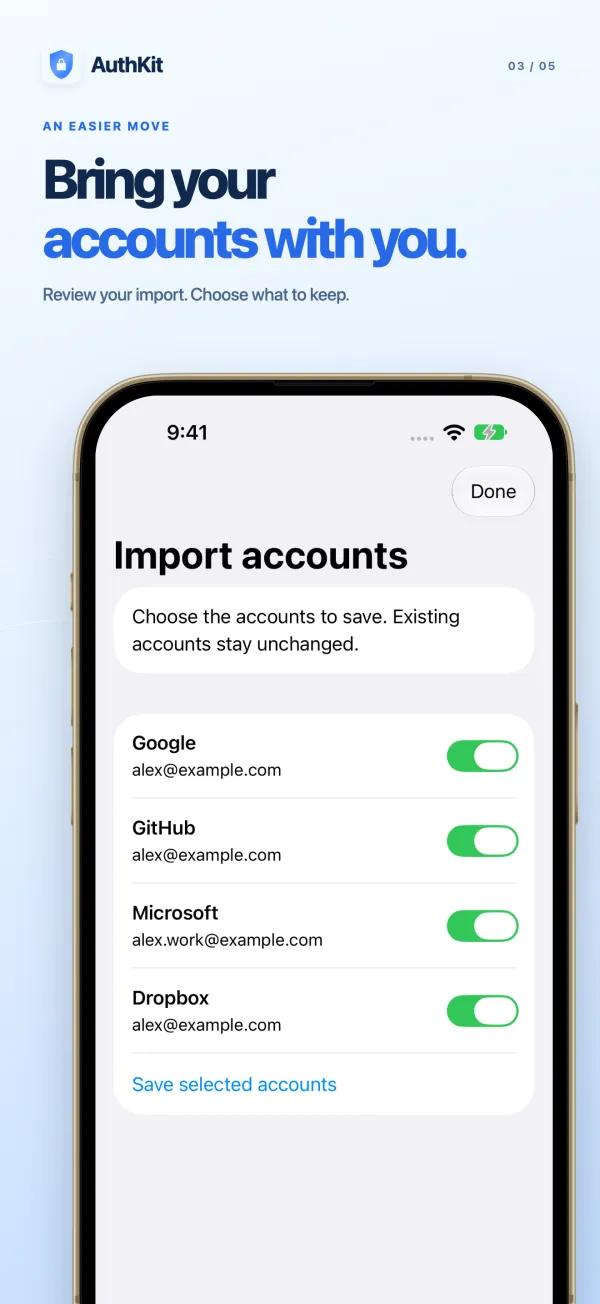
Moving from another app does not mean adding every account again, and once your logins are in, AutoFill offers them where you sign in.
Import from Google Authenticator, 1Password or LastPass, review what came in and choose what to keep. For anything else, scan the QR code or type the setup key.
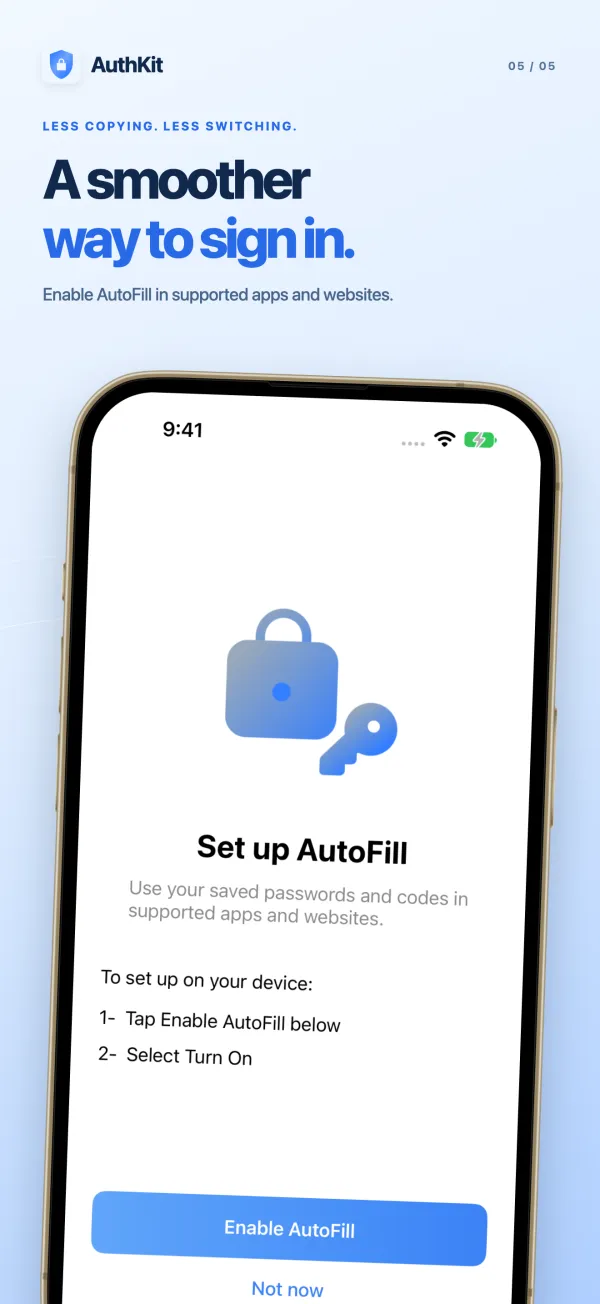
Turn on AutoFill and Auth Kit offers your saved passwords and one-time codes in Safari and in apps.
Auth Kit is free to download. Pro removes the limits and adds folders, the security report and widgets. Prices are in US dollars from the App Store.
$29.99
per year · ~$2.50/mo
$4.99
per month · weekly plan $1.99
Something else? Write to support@asapps.studio or open the help center.
Yes. Auth Kit is free to download. The free plan includes 1 TOTP code and 1 password with biometric lock and import. Pro is $29.99 per year, $4.99 per month or $1.99 per week and unlocks unlimited codes, passwords and passkeys, folders, the security report and widgets.
Yes. Auth Kit needs no AuthKit account and shows no ads. You open the app, unlock it with Face ID or Touch ID, and start adding codes and passwords.
Your credentials are stored in Apple Keychain. Synchronizable credentials can sync through iCloud Keychain when you turn it on; Apple handles that sync, and credentials are not uploaded to an AS Apps Studio server. File attachments sync through your iCloud account and are encrypted on your device before upload.
Yes. Auth Kit imports from Google Authenticator, 1Password and LastPass. You can also scan a QR code or enter a setup key by hand to add any account that supports TOTP two-factor codes.
Auth Kit holds 22 item types, including passwords, passkeys, credit cards, bank accounts, passports, driver licenses, SSH keys, crypto wallets, software licenses, medical records, secure notes and file attachments.
If iCloud Keychain sync is on, synced credentials can be available on your other Apple devices. Attachments sync through your iCloud account, and reinstalling the app is not a guaranteed way to recover data. Export your passwords and 2FA codes (JSON or CSV) and keep independent recovery methods for your accounts.
Auth Kit uses Firebase for product analytics and crash diagnostics and RevenueCat for subscriptions. These events are designed to exclude passwords, 2FA secrets, QR payloads, saved account names and document contents. The privacy policy lists the details.
Auth Kit runs on iPhone and iPad with iOS 17.6 or later, on Mac with macOS 14.0 or later, and shows 2FA codes on Apple Watch with watchOS 10.0 or later. It supports AutoFill for passwords and one-time codes in Safari and apps, Face ID and Touch ID, and home screen widgets with live 2FA codes.
Free on the App Store for iPhone, iPad and Mac, with your 2FA codes on Apple Watch.
Download on the App Store