
Know what your family needs — today, tomorrow, and this week.
Say it, screenshot it, or share it. FamilyBrief turns messy family life into confirmed, per-person plans — on your iPhone, never on a server.
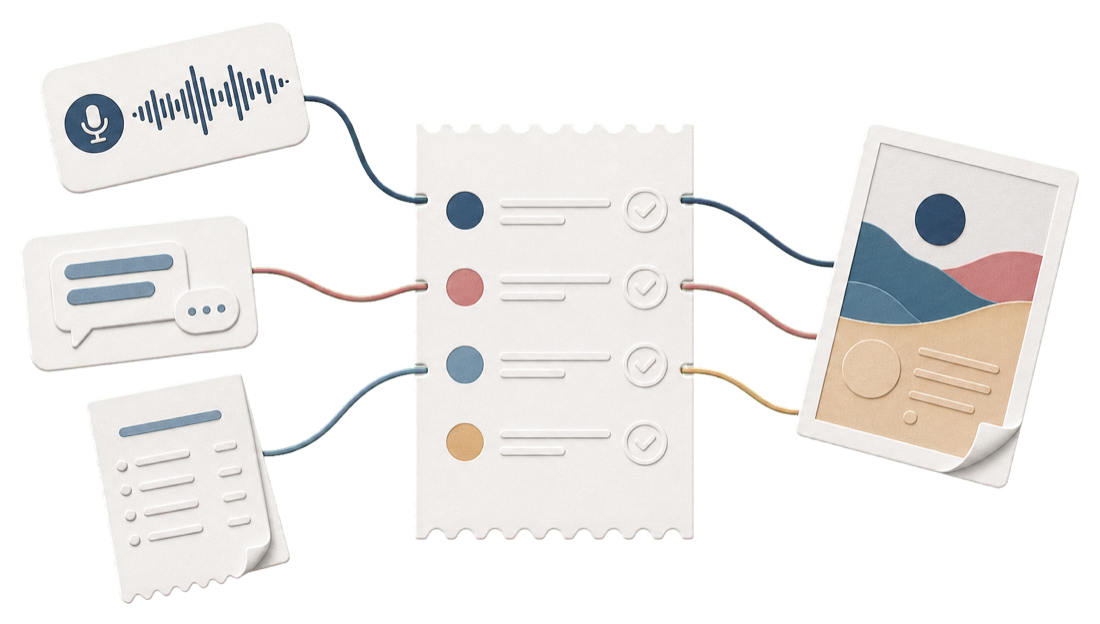
One screen at 8pm. Tomorrow, already sorted.
It arrived as a voice memo at a red light. A class-group message at 8:47pm. A bill screenshot you'd deal with later. You are the family's backup system — and backup systems aren't supposed to also cook dinner.
How it works
Three steps, and the evening runs itself.
No setup, no inbox to connect. You bring the mess; FamilyBrief brings the order — and the proof behind every line.
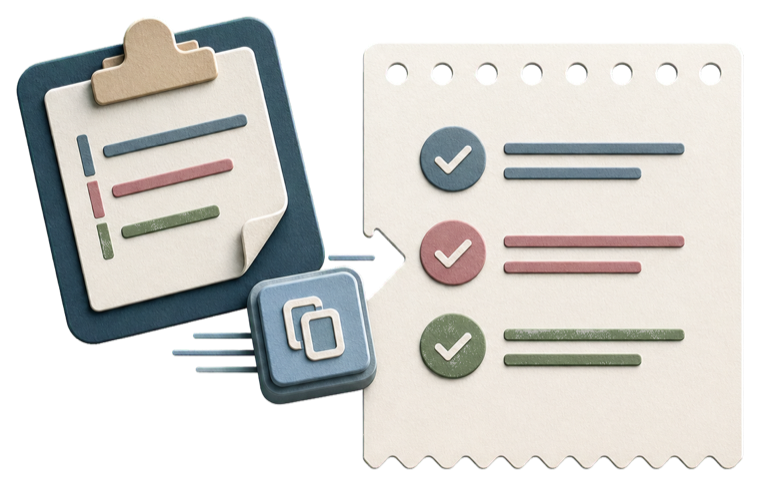
Capture anything
Share, paste, scan, or say it. A screenshot, a forwarded message, a voice memo at a red light — whatever form it arrives in.

Review in seconds
Every item comes back typed, dated, and assigned to the right person — with its receipt attached, so you can see exactly where it came from.

One calm brief
At 8pm, tomorrow is already sorted — one page, one person at a time, nothing hiding in a thread you forgot to reopen.
A paragraph in. Five items out.
Families don't speak in tidy commands.
You say it the way it comes to you — one long, run-on breath. FamilyBrief pulls apart every obligation hiding inside it, and hands each one to the right person.
"Pick up milk, diapers and wipes, and don't forget Mia's vitamins — and Leo needs his library book back Thursday."
Siri catches one clean sentence. Families don't speak in clean sentences.
Trust
Every item shows its receipt.
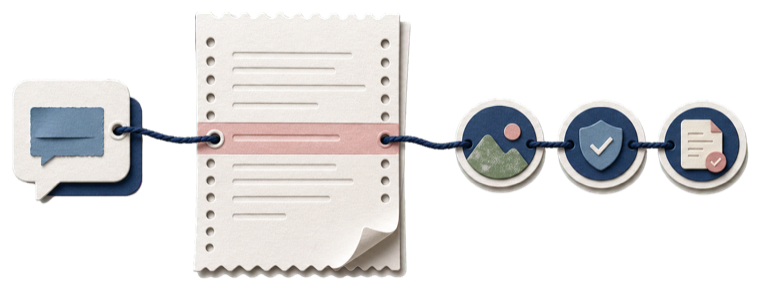
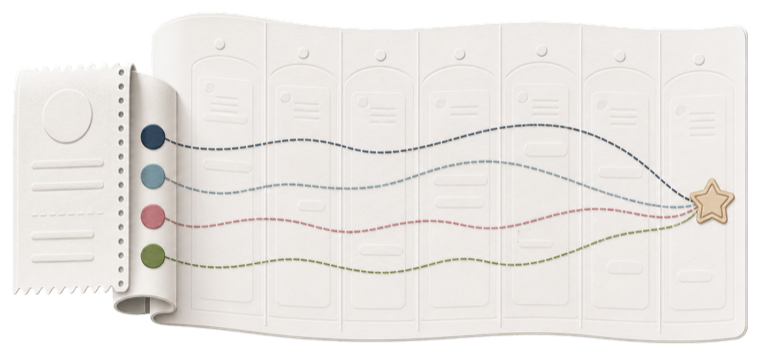
See that little torn tab on the edge of every card? That's the receipt stub. Tap it and you're back at the source — the exact message, memo, or screenshot the item came from. Nothing is taken on faith, because your family's plans shouldn't be.
Tap to trace
Every extracted line links straight back to the words it came from.
Nothing appears unconfirmed
You approve each item before it lands on a brief. No surprises, no guesses left unchecked.
Privacy
Your family's life stays on your family's phone.
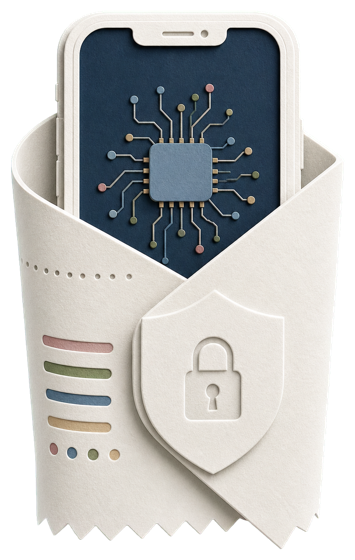
Your family's names, schedules, and voice notes never leave your iPhone. No account to create. No inbox to connect. Delete everything with one tap — it's your phone; it's your data.
Runs on Apple Intelligence, entirely on your iPhone — powered by Apple's on-device Foundation Models.
Pricing
Fair for one parent. Made for the whole family.
2 people, all trust features, forever.
- Up to 2 people
- Tomorrow Brief
- Every receipt stub & trust feature
Everyone in the family, plus the week ahead.
- Everyone in the family
- Week Brief
- Morning Checklist
- Pay-by Radar
Every Plus feature, for as long as the app lives.
- Everything in Plus, forever
- One payment, no renewals
- Founding-supporter badge
Until Sept 30
Claim lifetimeYour whole family, free for the first week. No card to start.
Questions
The things every parent asks first.
Tonight
Let tomorrow arrive already sorted.
Say it, screenshot it, or share it — and read one calm brief at 8pm.