HilalPrayer times for iPhone
Your day. In a new light.
Prayer times under a living sky. The Quran, a Qibla compass, Ramadan, and a day planned around prayer.
- No account
- No ads
- Five languages


FajrPrayer times
Prayer times. In a new light.
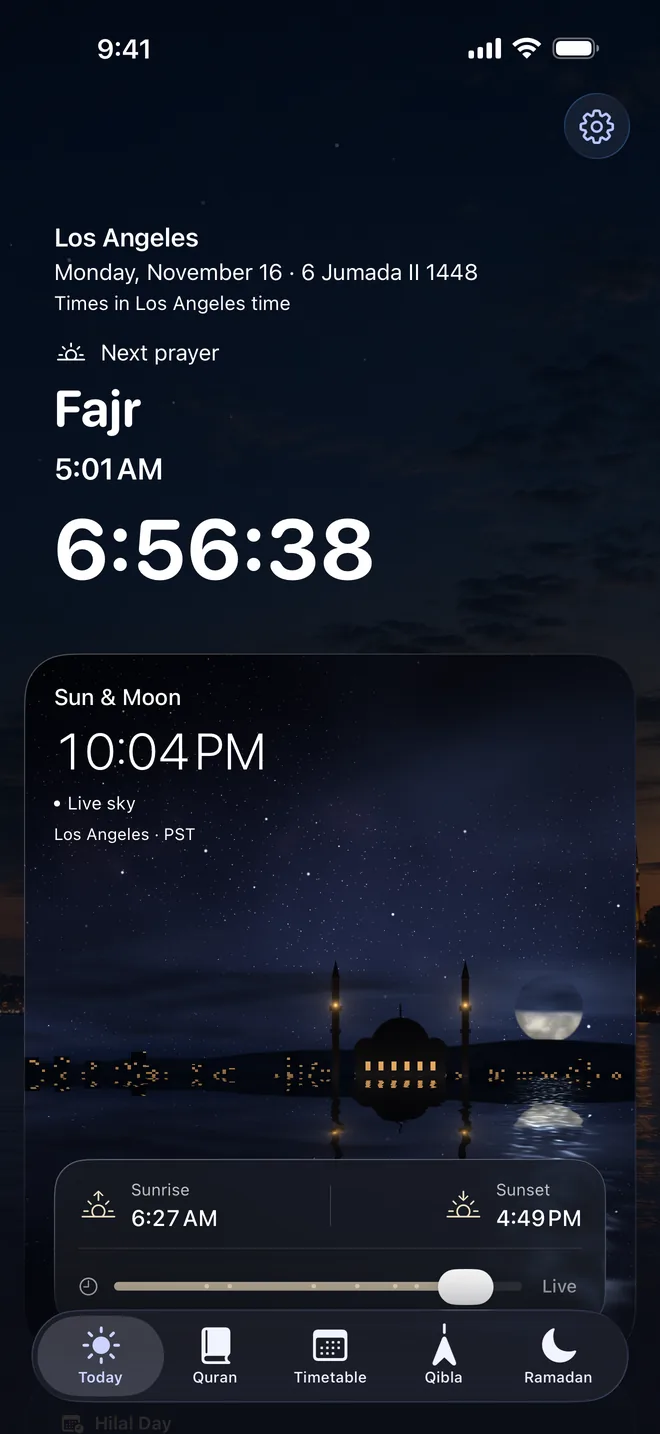
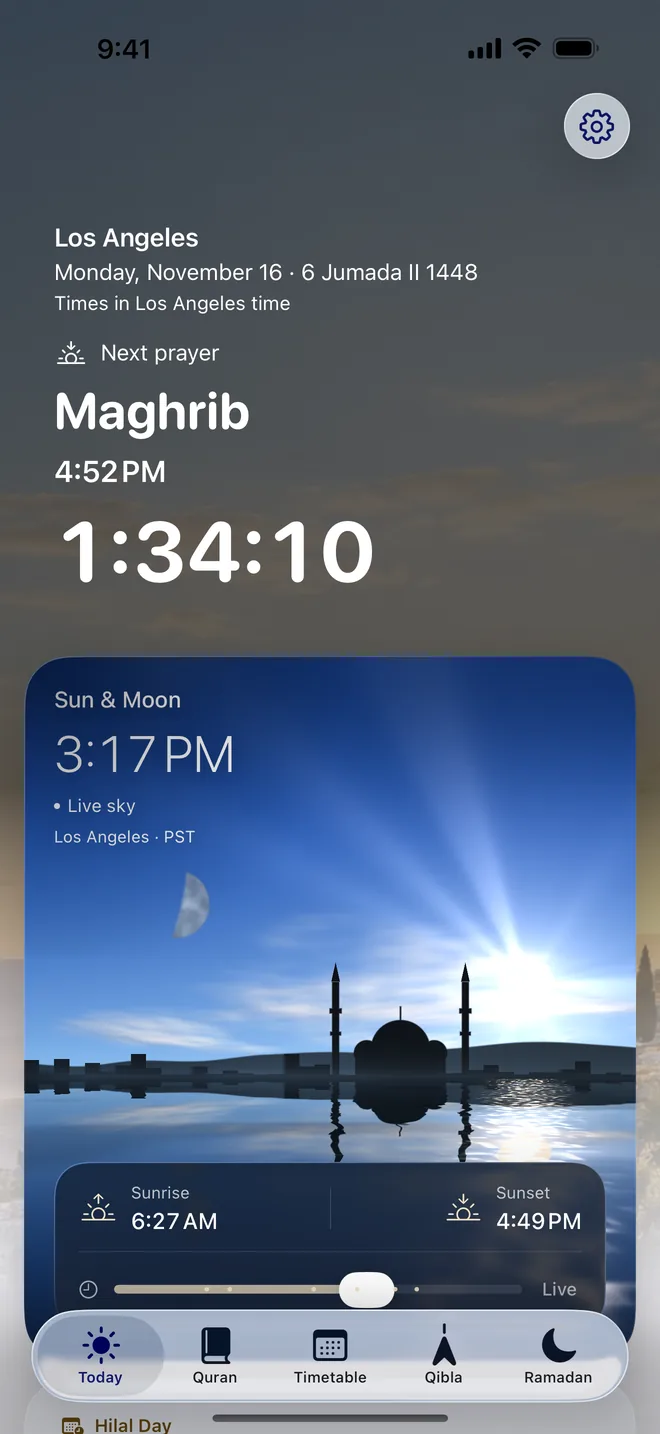
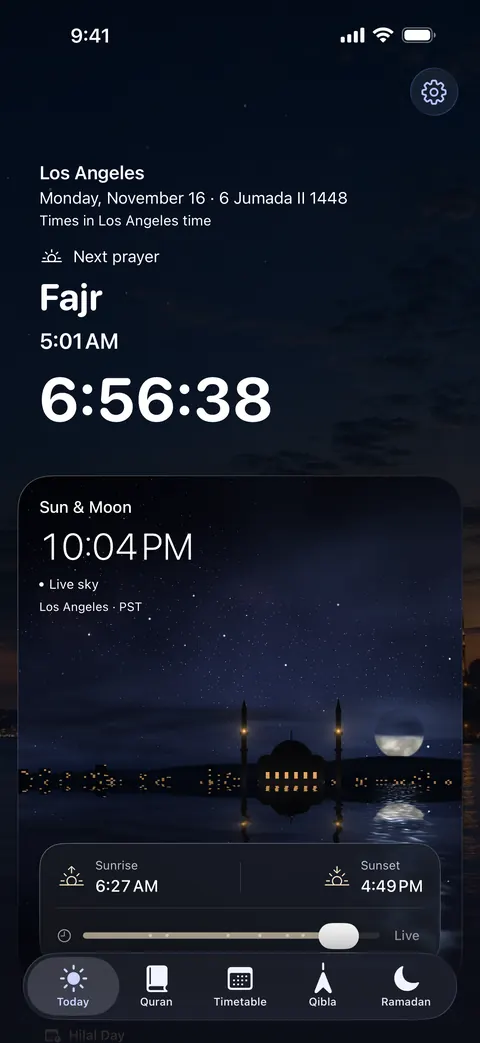
Your next prayer and a countdown, first thing on Today. Below it, a sky that follows the sun and the moon where you are.
The same screen, at night and in the afternoon.
An alert for each prayer
Choose a sound, a silent banner or no alert, prayer by prayer. A reminder can come 5 to 60 minutes ahead.
Fajr and suhoor alarms
The Fajr alarm rings at Fajr or up to 60 minutes before. Alarms ring through silent mode and Focus once you allow them.
Widgets, Lock Screen and Siri
Next prayer and today's times on your Home Screen and Lock Screen. Or ask Siri for the next prayer.
FajrThe living sky
A sky that keeps time.
The sky from the app, drawn live in your browser. Drag through the day, or touch the water.

10:04 PMDay previewLos Angeles · PST
In the app, this sky follows the real sun and moon where you are. Here it shows Los Angeles on 16 November 2026.
DhuhrHilal Day
Make room for prayer.
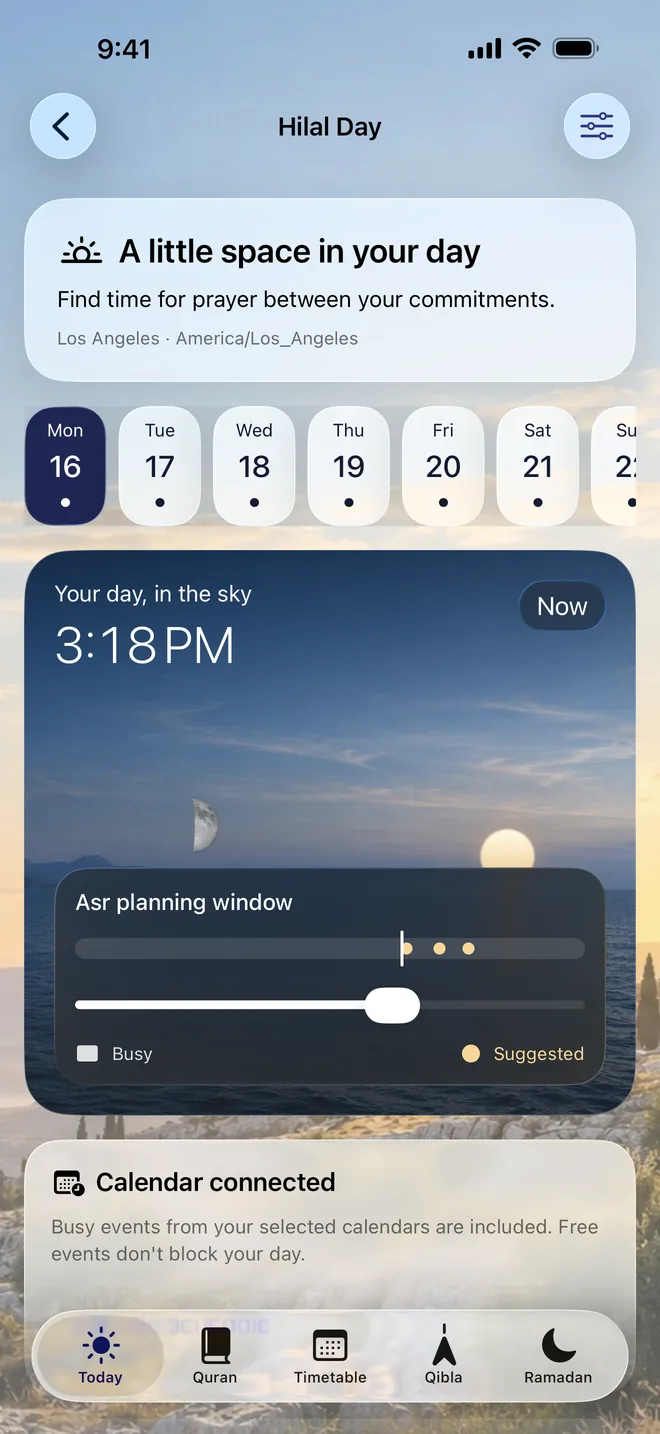
A little space in your day. Hilal Day shows each prayer's window and suggests a time between your commitments.
- Your calendar, if you want. Connecting Calendar is optional. Events are read on your iPhone and not saved by Hilal.
- Your pace. Set how long you need for prayer and for preparation.
- Add to Calendar. Hilal opens Apple's event editor and you save the prayer yourself.
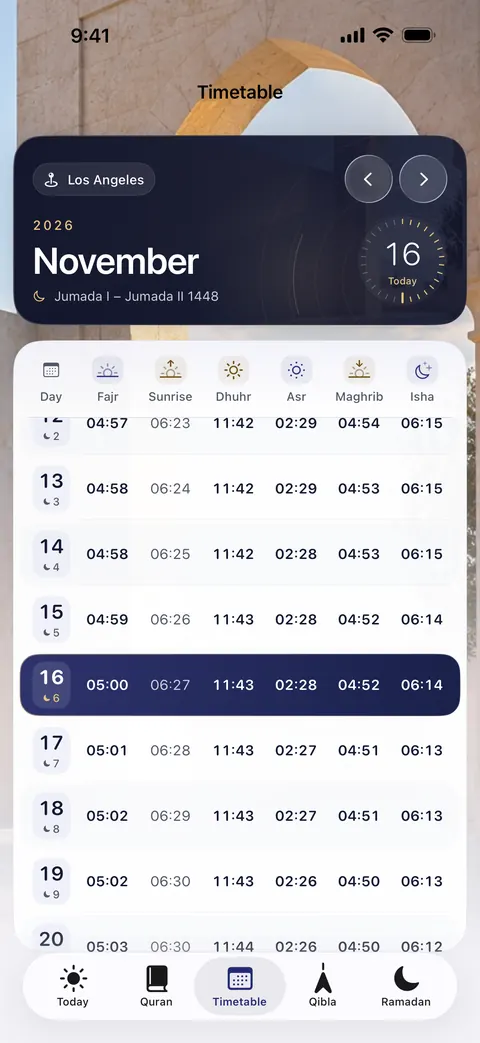
DhuhrTimetable
Your mosque. Your times.
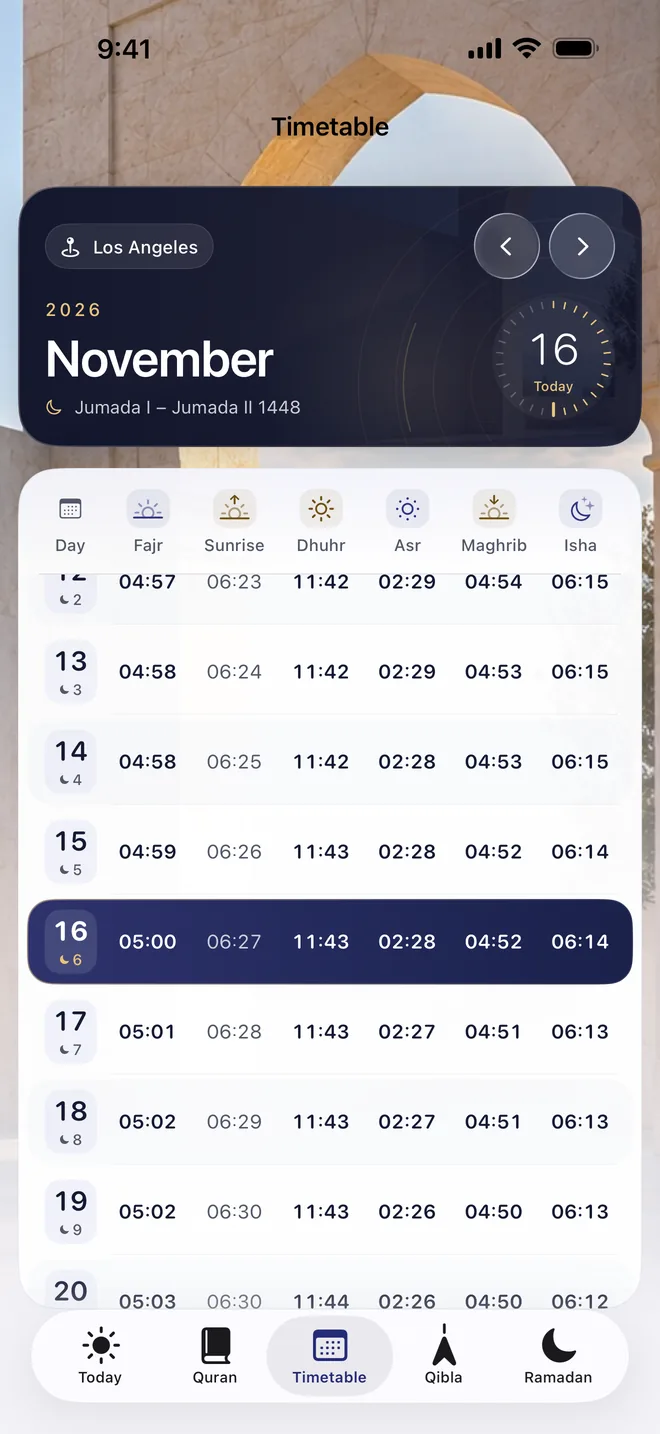
Every prayer of the month in one clear view, with Gregorian and Hijri dates side by side.
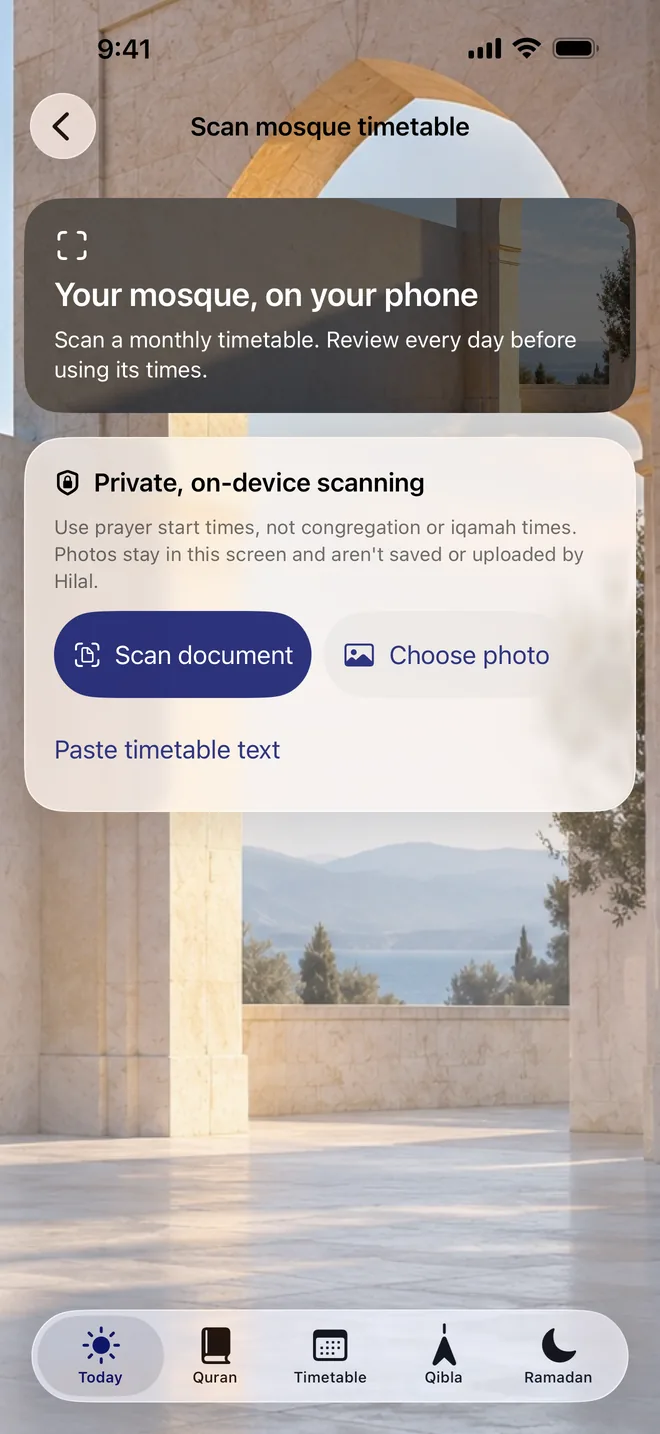
- Scan your mosque's timetable. Scan the printed sheet, choose a photo or paste the text. It is read on your iPhone, and you review every day before using it.
- Match my mosque. Enter your mosque's times for one day and Hilal shows the difference for each prayer.
- Your method. Calculation method, Asr (Standard or Hanafi), high latitudes, and offsets of up to 30 minutes.
AsrQuran
The Quran. Always with you.
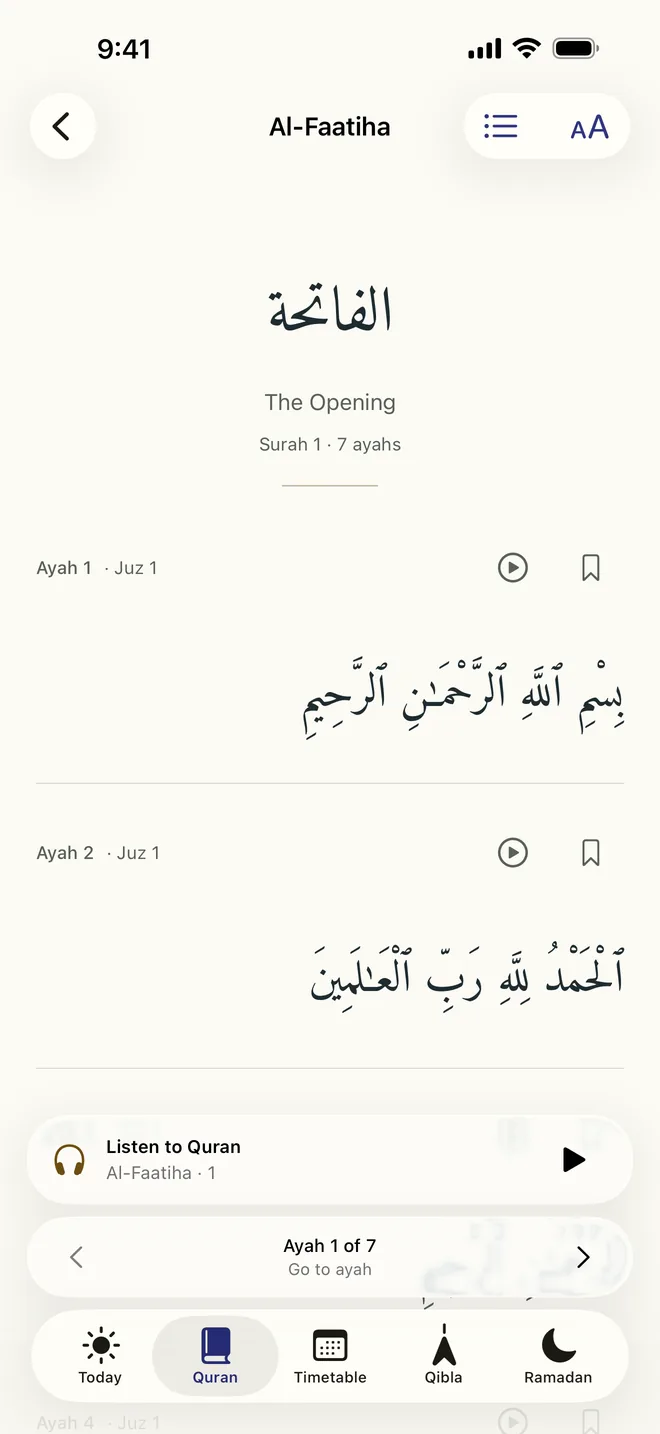
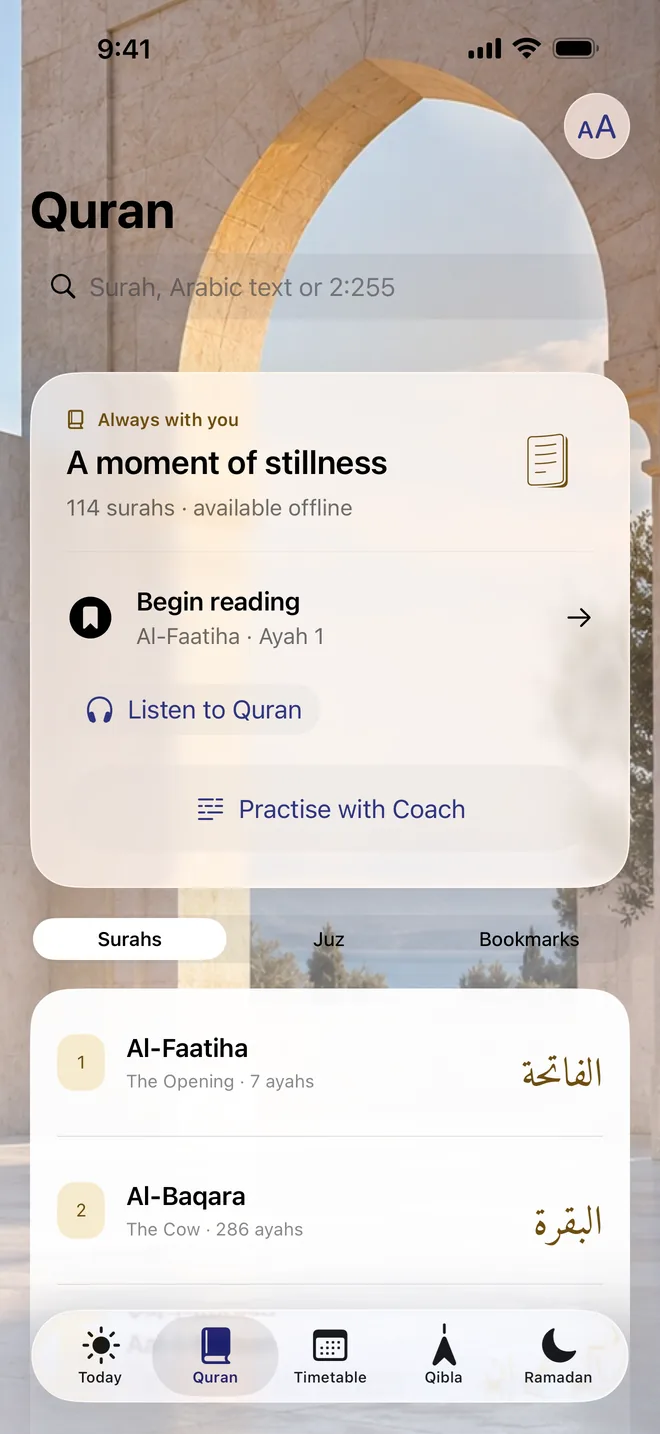
114 surahs, in the app and available offline. Read, bookmark an ayah, and return to where you stopped.
- Search by surah, by Arabic text or by a reference such as 2:255
- Listen with repeat for an ayah or a surah, and download a surah to listen offline
- Text size and page theme, your way
- Mishary Rashid Alafasy
- Mahmoud Khalil Al-Husary
- Muhammad Siddiq Al-Minshawi
- Abdul Basit Abdus-Samad
AsrCoach
Recite. Reflect. Repeat.
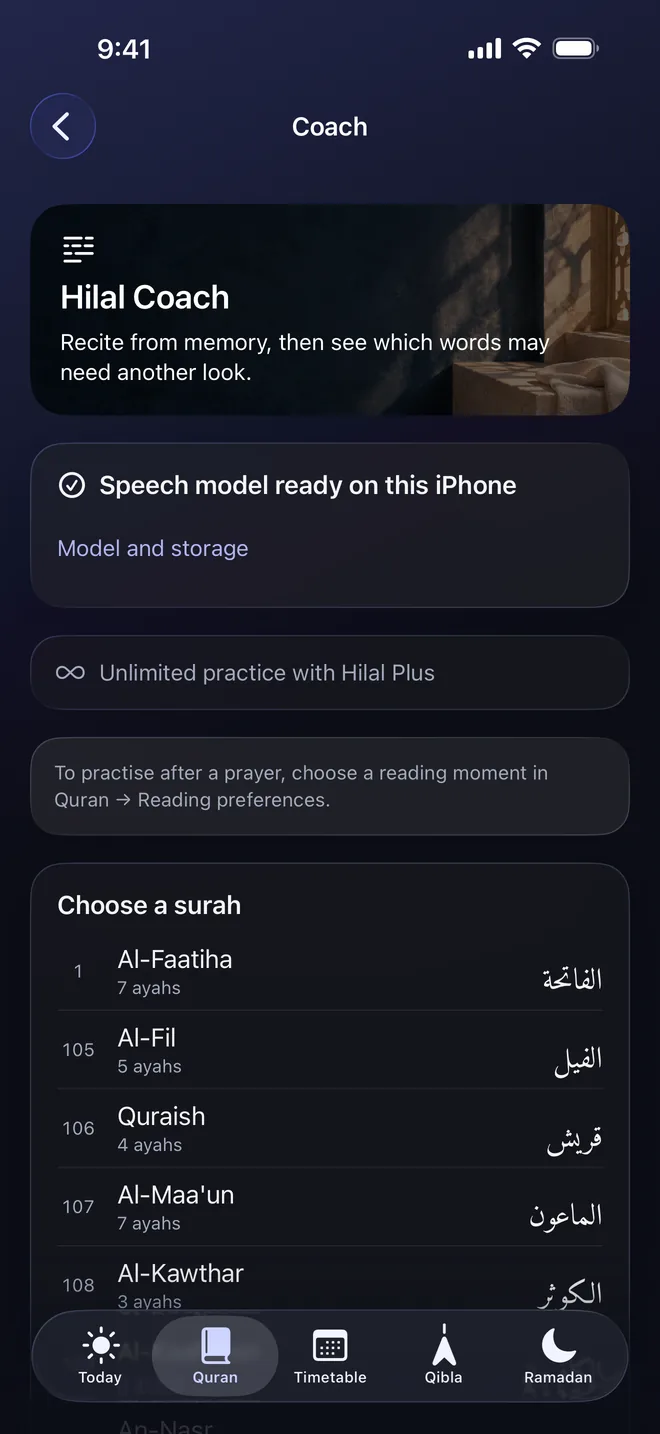
Practise a surah from memory. Hide the text, recite, then see which words may need another look.
- On your iPhone. Your recitation is checked on your iPhone and deleted straight after.
- One download. The speech model downloads once, about 149 MB.
- Words, not tajweed. Coach looks at the words you recite. Three practice sessions are free.
AsrQibla
Find your direction.
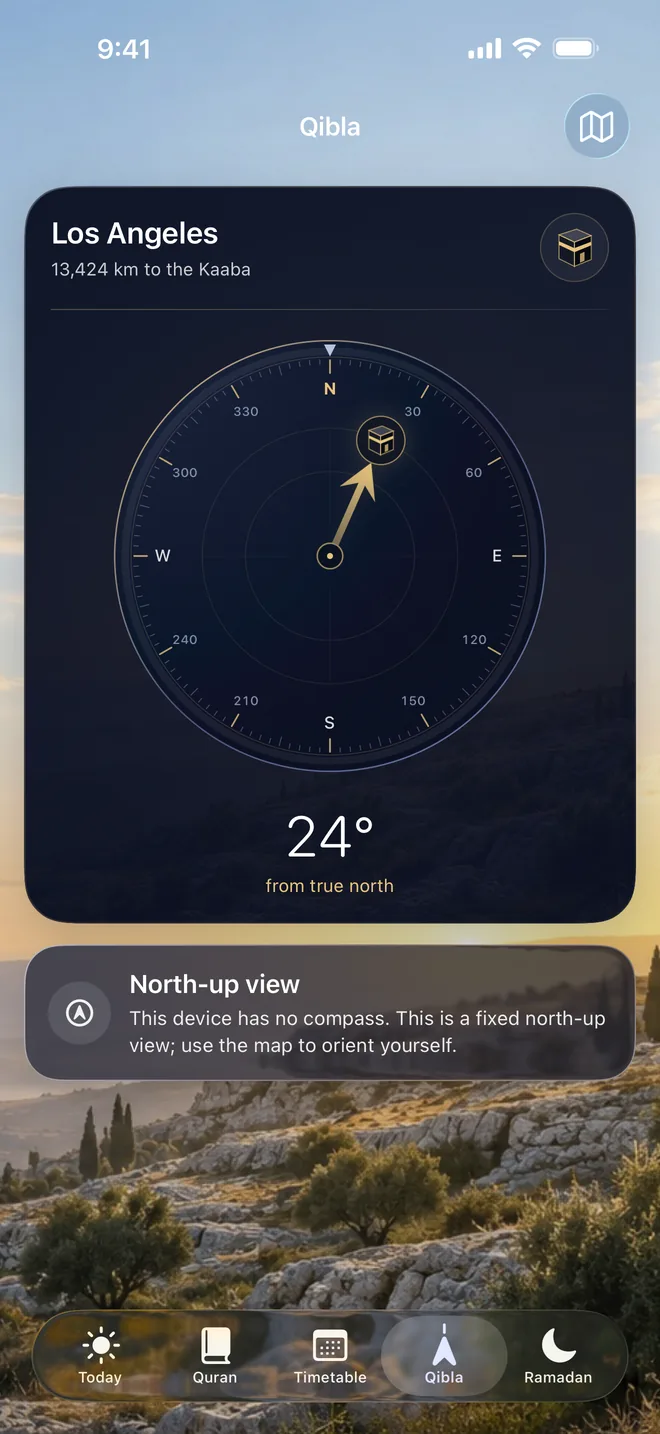
A clear bearing towards the Kaaba, on a compass or on a map. Try a city.
24°
from true north
Los Angeles · 13,424 km to the Kaaba
This compass is worked out here on the page, along the shortest path. In the app, the compass follows your iPhone.

MaghribRamadan
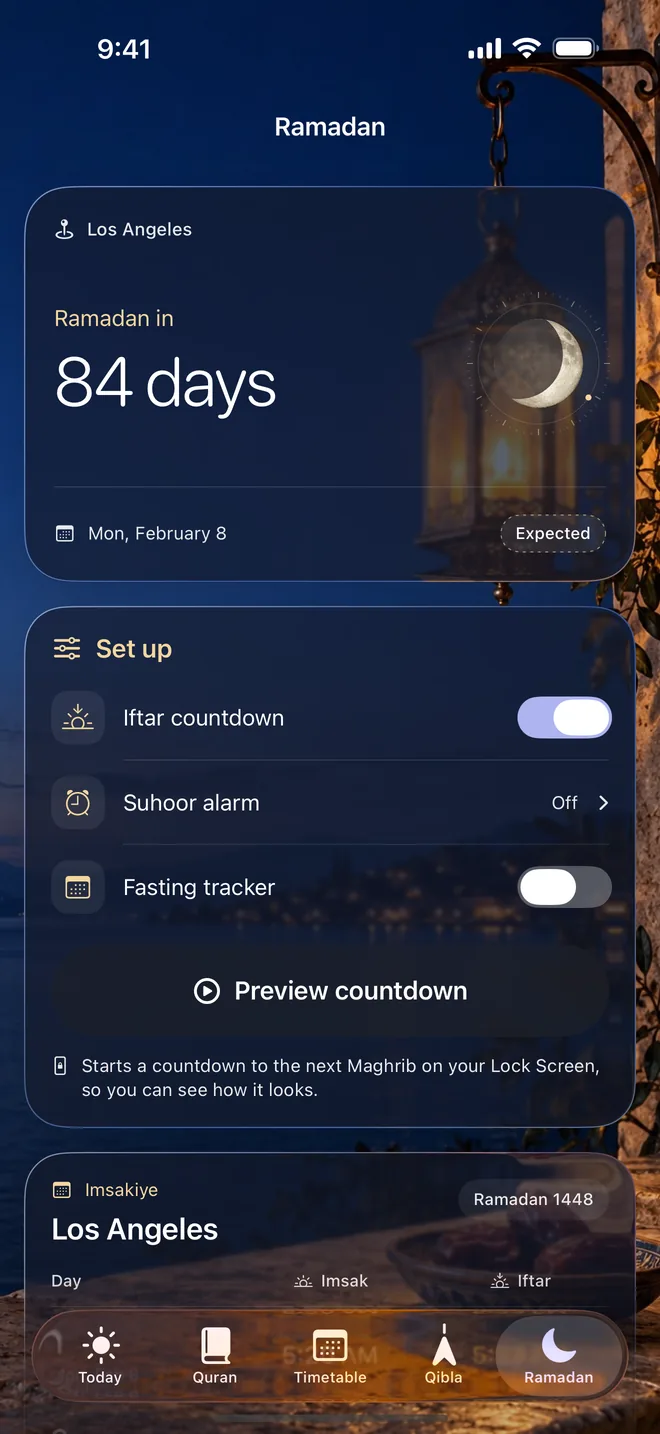
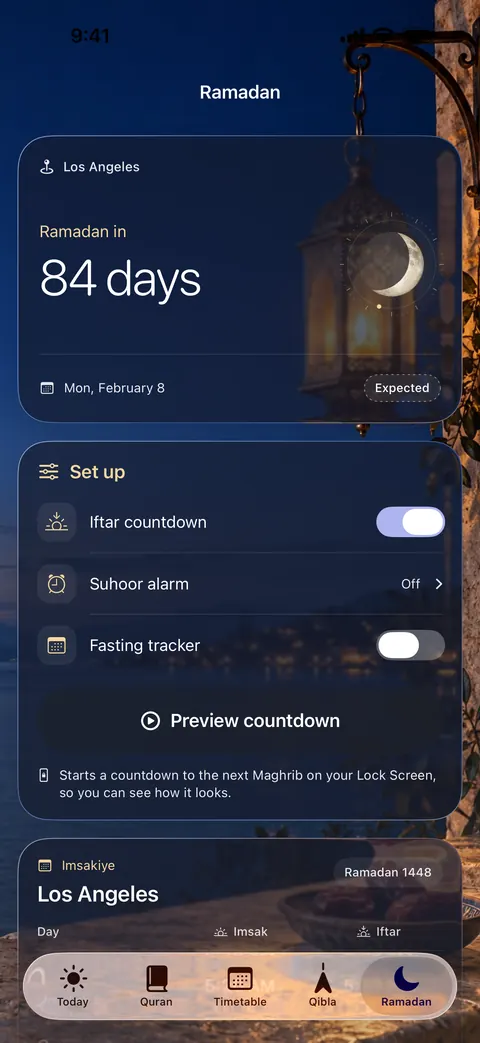
A rhythm for Ramadan.
Hilal counts the days until Ramadan, then keeps you company through each fast.
- Iftar countdown. In Ramadan it starts by itself on the Lock Screen and in the Dynamic Island, and ends after iftar.
- Suhoor alarm. It rings 15 to 120 minutes before imsak on fasting days.
- Fasting tracker. Mark each day, and keep a count of days to make up.
- Imsakiye. Share the Ramadan timetable as a PDF, an image or a calendar file.
IshaHilal Home

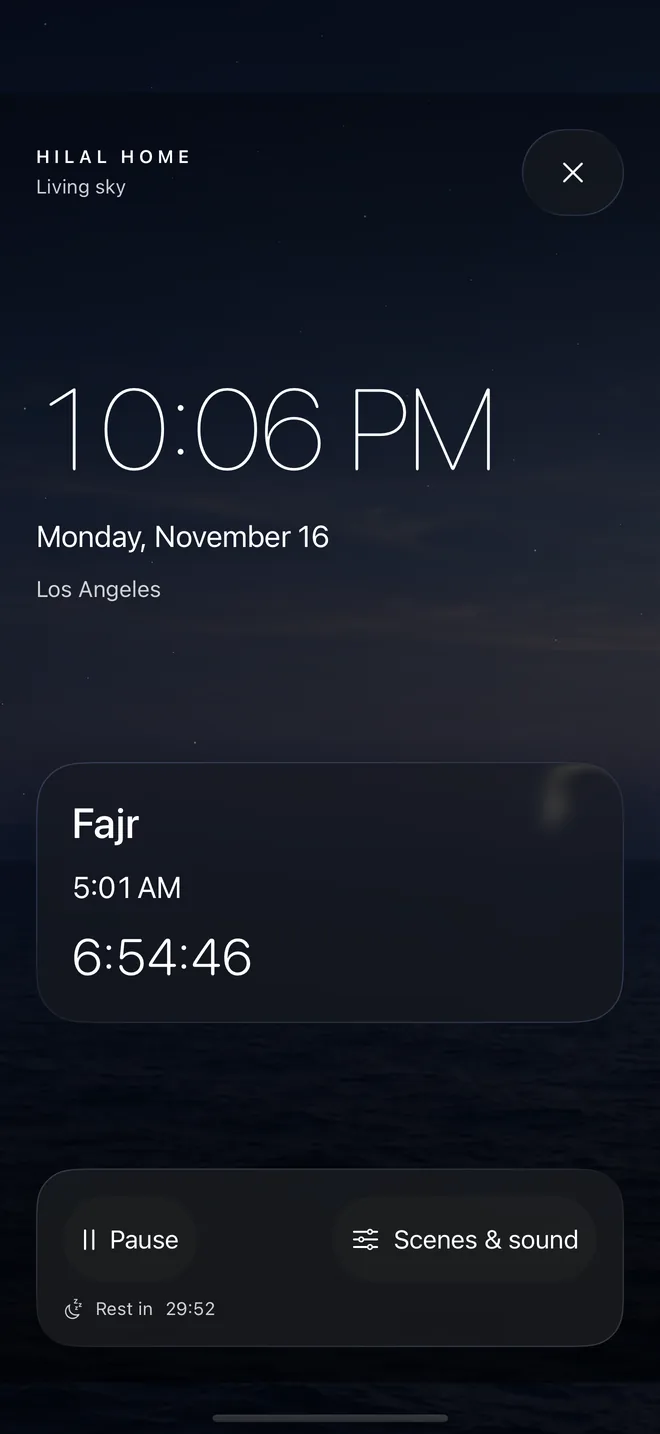
Take a quiet moment.
Hilal Home is a full-screen living sky with the next prayer, for a desk or a shelf. A rest timer stops the sound and lets your screen sleep after 15, 30 or 60 minutes.
IshaLanguages
In your language.
Hilal is in English, Arabic, Turkish, Indonesian and Malay, with the digits you prefer. Choose one to see the app in it.
Monday, November 16
IshaiPhone Duo
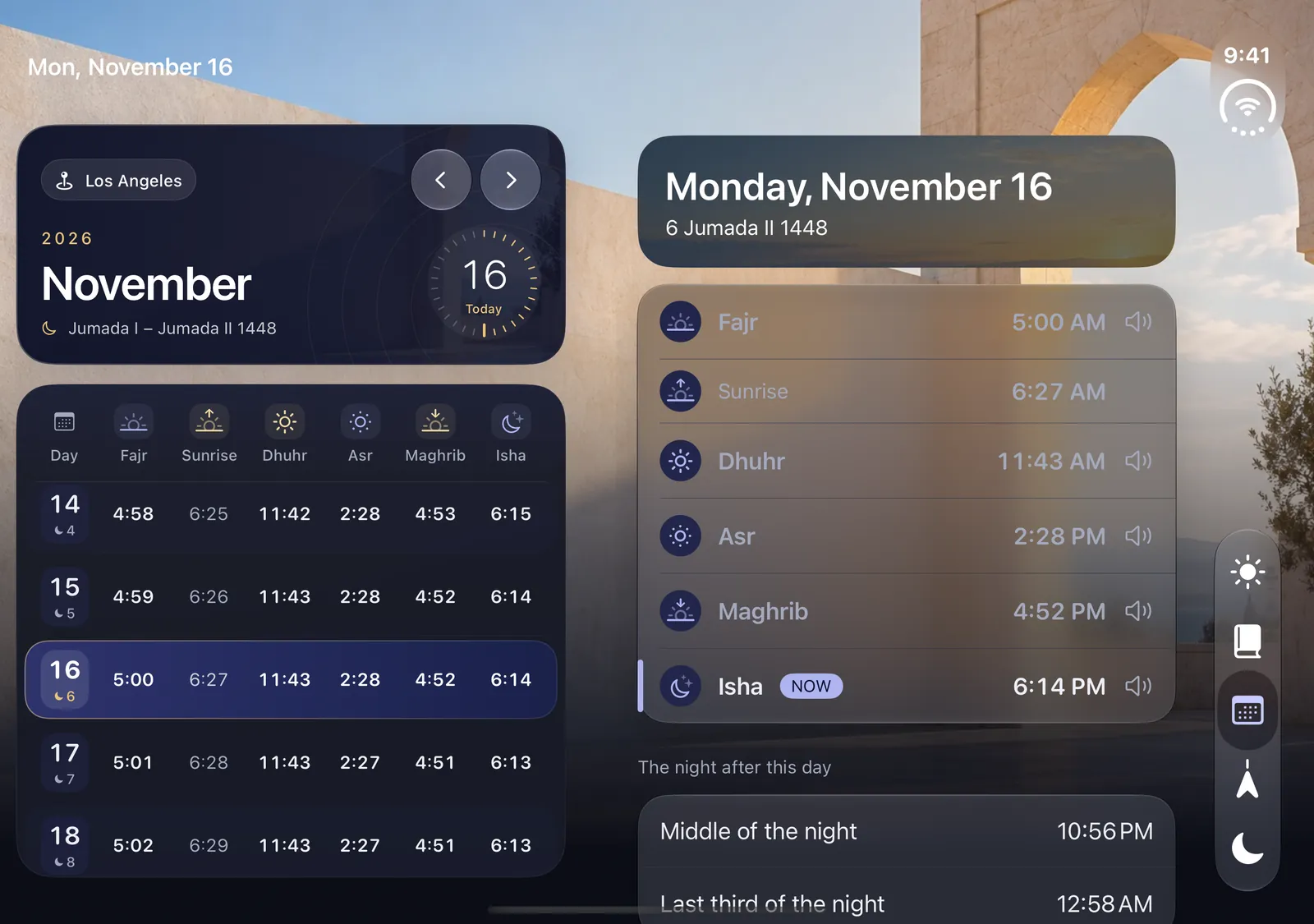
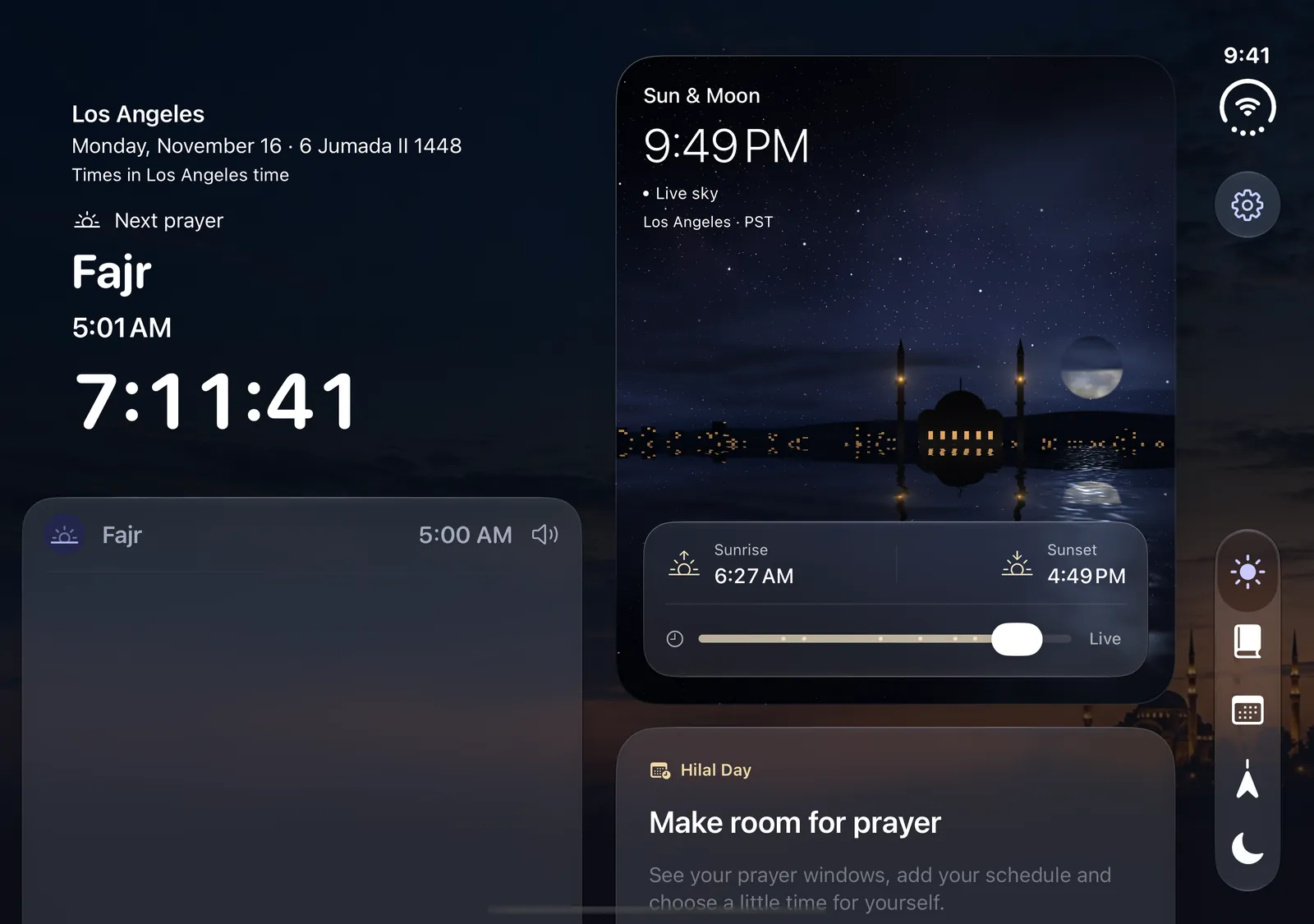
More room to see your day.
On the open screen of iPhone Duo, Hilal sets two views side by side.
IshaPrivacy
Your prayers. Your iPhone.
There is no account. Hilal never asks for your name, email address or phone number.
- Worked out on your iPhonePrayer times and the Qibla are calculated on your iPhone. Your place, settings and log stay there.
- No analytics, no adsHilal has no analytics code, no ads and no advertising identifier.
- Coach listens on your iPhoneRecordings are checked on your iPhone and thrown away straight after. They are never saved or uploaded.
- Hilal PlusRevenueCat keeps track of Hilal Plus with a random ID, a device identifier and basic device details.
- Delete everythingOne button in Settings removes all that Hilal stores, and the app starts again from the first screen.
IshaHilal Plus
Free to pray with. Plus for more.
Free
What you need every day.
- Prayer times, alerts and alarms
- The Qibla, the timetable and your mosque's times
- Ramadan, with the iftar countdown and the fasting tracker
- The Quran with all four reciters
- Today's plan in Hilal Day
- The living sky in Hilal Home
- Three Coach practice sessions
Hilal Plus
A yearly subscription or a one-time lifetime purchase.
- Seven-day planning in Hilal Day
- Work and class patterns, including overnight shifts
- Photographic scenes and soundscapes in Hilal Home
- More timetable designs, without the Hilal footer
- Unlimited Coach practice with a review schedule
IshaQuestions
Good to know.
Does Hilal need an account?
No. There is nothing to sign in to. Your place, settings and log stay on your iPhone.
My mosque's times are different. Can Hilal match them?
Yes. Choose the calculation method, the Asr rule and the high-latitude rule, and move each prayer by up to 30 minutes. Match my mosque compares your mosque's times for one day and suggests offsets. You can also scan your mosque's printed timetable and use it after you review every day.
Do I need a connection to read the Quran?
No. The full Arabic text is in the app. Listening needs a connection unless you download the surah first.
What is free, and what is Hilal Plus?
Prayer times, alerts, the Qibla, Ramadan, the Quran with all four reciters and today's plan are free. Hilal Plus adds seven-day planning, work and class patterns, Home scenes and soundscapes, more timetable designs and unlimited Coach practice. It is a yearly subscription or a one-time lifetime purchase.
Which languages does Hilal speak?
English, Arabic, Turkish, Indonesian and Malay. Hilal follows your iPhone's language, and you can choose a different one just for Hilal.
When can I download it?
Hilal is coming soon to the App Store. The download link will be on this page when it is live. Hilal is for iPhone and needs iOS 26 or later.
More answers on the support page.

Your day. In a new light.
Prayer. Quran. A little space for you.
Prayer times are calculated. Follow your local mosque if it differs. Hilal doesn't give religious rulings. The screens on this page show Los Angeles on 16 November 2026. The lantern and the sea are campaign artwork, not photographs of real places.